Duct UI Starter Template: Your Fast Track to Modern Web Development
Looking to get started with Duct UI quickly? Our new starter template provides everything you need to build modern, maintainable web applications right out of the box.
The Duct UI Starter Template is a feature-rich foundation that demonstrates best practices, modern tooling, and essential features for real-world web development.
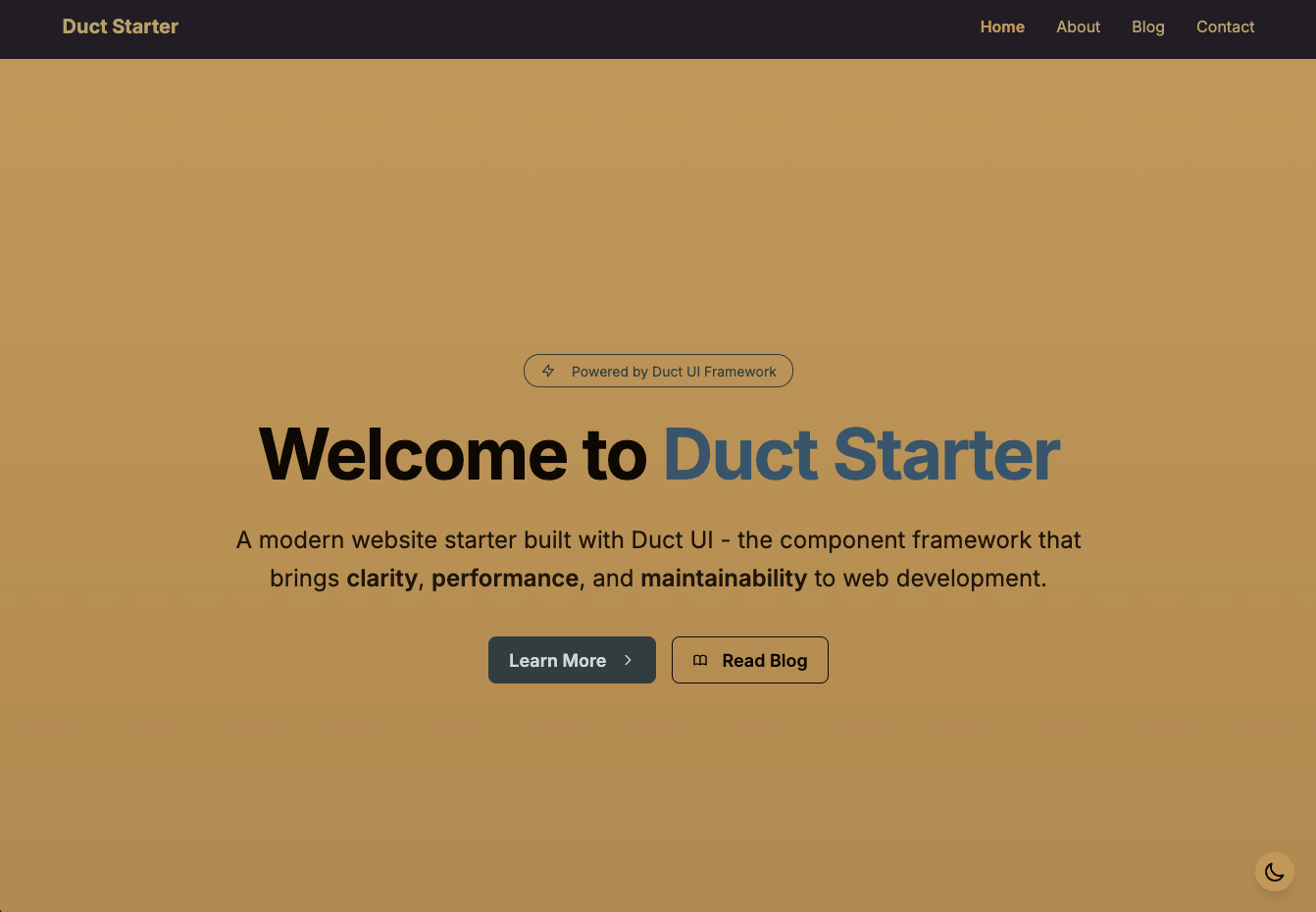
✨ What’s Included 🔗
The starter template comes packed with features that would typically take hours or days to set up:
- 🎨 Modern Design - Clean, responsive UI with DaisyUI themes
- 🌗 Theme Toggle - Light/dark mode with system preference detection
- 📝 Complete Blog System - Markdown content, tagging, and pagination
- 📱 Responsive Layout - Mobile-first design that works on all devices
- ⚡ Static Site Generation - Built-in SSG for optimal performance
- 🎯 Interactive Components - Contact form with modal feedback
- 🔧 TypeScript Support - Full TypeScript integration with strict typing
- 🎪 Component Library - Uses Duct UI components for consistency
- 📊 Semantic Colors - DaisyUI semantic color system throughout
🚀 Getting Started 🔗
Getting started is incredibly simple:
Prerequisites 🔗
- Node.js 18+ and npm/pnpm
- Basic knowledge of TypeScript and web development
Quick Setup 🔗
-
Copy the starter template:
cp -r packages/starter my-new-project cd my-new-project -
Install dependencies:
pnpm install -
Start development server:
pnpm dev -
Open your browser: Navigate to
http://localhost:5173
That’s it! You now have a fully functional website with blog, contact form, theming, and more.
📁 Architecture Overview 🔗
The starter template follows Duct UI’s architectural principles with clear separation of concerns:
starter/
├── content/                 # Markdown content
│   └── blog/               # Blog posts
├── src/
│   ├── components/         # Reusable components
│   ├── layouts/           # Page layouts (Nunjucks)
│   ├── pages/             # Route components
│   └── styles/            # Global styles
├── duct.config.js         # Duct configuration
└── tailwind.config.js     # Tailwind CSS config
Key Design Patterns 🔗
The template demonstrates several important Duct UI patterns:
- Layouts for Static HTML: Using Nunjucks templates for non-interactive content
- Components for Interactive Logic: Duct components handle user interactions
- Container Pattern: Higher-order components that orchestrate complex page behavior
- Semantic Color System: Consistent theming with DaisyUI semantic colors
🎯 Featured Components 🔗
HomeDemo Component 🔗
Interactive showcase demonstrating component capabilities:
function bind(el: HTMLElement, eventEmitter: EventEmitter<HomeDemoEvents>) {
  const demoToggleBtn = el.querySelector('#demo-toggle-btn') as HTMLButtonElement
  if (demoToggleBtn) {
    demoToggleBtn.addEventListener('click', showDemo)
  }

  function release() {
    demoToggleBtn?.removeEventListener('click', showDemo)
  }

  return { release }
}
ContactContainer 🔗
Full-featured contact form with modal feedback:
function showModal(formData: FormData) {
  formDataCache = formData
  if (formDataRef.current?.updateFormData) {
    formDataRef.current.updateFormData(formData)
  }
  modalRef.current?.show()
}
ThemeToggle 🔗
Smart theme switching with system preference detection:
function applyTheme(theme: 'light' | 'dark') {
  document.documentElement.setAttribute('data-theme', theme)
  document.body.setAttribute('data-theme', theme)
}
📝 Content Management Made Easy 🔗
The blog system demonstrates Duct’s powerful content management capabilities:
Adding New Posts 🔗
Simply create a markdown file in content/blog/:
---
title: "My New Post"
slug: "my-new-post"
excerpt: "A brief description"
date: "2025-01-20"
author: "Your Name"
tags: ["tutorial", "duct-ui", "article"]
featured: false
---

# My New Post

Your content goes here...
Automatic Features 🔗
The system automatically:
- Generates routes for new posts
- Creates tag pages for any new tags
- Adds posts to the blog listing
- Calculates reading time
- Handles excerpts and pagination
🎨 Styling Philosophy 🔗
The template showcases modern CSS practices:
DaisyUI Semantic Colors 🔗
Instead of hardcoding colors, everything uses semantic color classes:
/* ❌ Hard-coded colors */
.hero { background: #1e40af; color: white; }

/* ✅ Semantic colors */
.hero { background: bg-primary; color: text-primary-content; }
This approach ensures:
- Consistent theming across all components
- Easy theme switching (light/dark/custom)
- Better accessibility through semantic meaning
- Future-proof styling that adapts to design changes
Responsive Design 🔗
Mobile-first responsive design with Tailwind utilities:
<div class="grid grid-cols-1 md:grid-cols-3 gap-8">
  <!-- Content adapts from 1 column on mobile to 3 on desktop -->
</div>
🔧 Configuration & Customization 🔗
Environment Setup 🔗
Configure your site with environment variables:
VITE_SITE_NAME="My Duct Site"
VITE_SITE_URL="https://mysite.com"
Duct Configuration 🔗
The duct.config.js file controls:
- Site metadata and SEO
- Content directories and processing
- Build settings and optimization
- Nunjucks filters for templating
Easy Customization 🔗
- Colors: Modify
tailwind.config.jsfor custom DaisyUI themes - Layout: Edit Nunjucks templates in
src/layouts/ - Components: Add new components in
src/components/ - Content: Drop markdown files in
content/blog/ - Pages: Add routes in
src/pages/
🚀 Deployment Ready 🔗
The template is production-ready out of the box:
Build Process 🔗
pnpm build
# Generates optimized static files in dist/
Deployment Options 🔗
Deploy anywhere that serves static files:
- Netlify: Connect repository, set build command to
pnpm build - Vercel: Import project, select “Other” framework
- GitHub Pages: Use GitHub Actions workflow
- Cloudflare Pages: Connect with
pnpm buildcommand
💡 Learning & Best Practices 🔗
The starter template serves as both a functional website and a learning resource:
Demonstrated Patterns 🔗
- Component lifecycle management (render → bind → release)
- Event handling and component communication
- Static site generation with dynamic content
- Responsive design with semantic colors
- Content management with markdown
- Form handling with validation and feedback
Code Quality 🔗
- Full TypeScript integration with strict typing
- Consistent code organization and naming
- Proper separation of concerns
- Modern JavaScript/TypeScript patterns
- Accessibility best practices
🔗 Next Steps 🔗
Once you’re running the starter template:
- Customize the Design: Modify colors, fonts, and layouts to match your brand
- Add Your Content: Replace sample blog posts with your own content
- Extend Functionality: Add new components and pages as needed
- Deploy to Production: Choose your hosting platform and deploy
- Iterate and Improve: Use Duct’s explicit patterns to maintain and enhance your site
🎉 Ready to Build Something Amazing? 🔗
The Duct UI Starter Template removes the friction from getting started with modern web development. Whether you’re building a personal blog, company website, or complex application, you have a solid foundation that follows best practices and scales with your needs.
Happy coding with Duct UI! The explicit, maintainable approach to building web applications starts here.