Duct UI Now Has an MCP Server
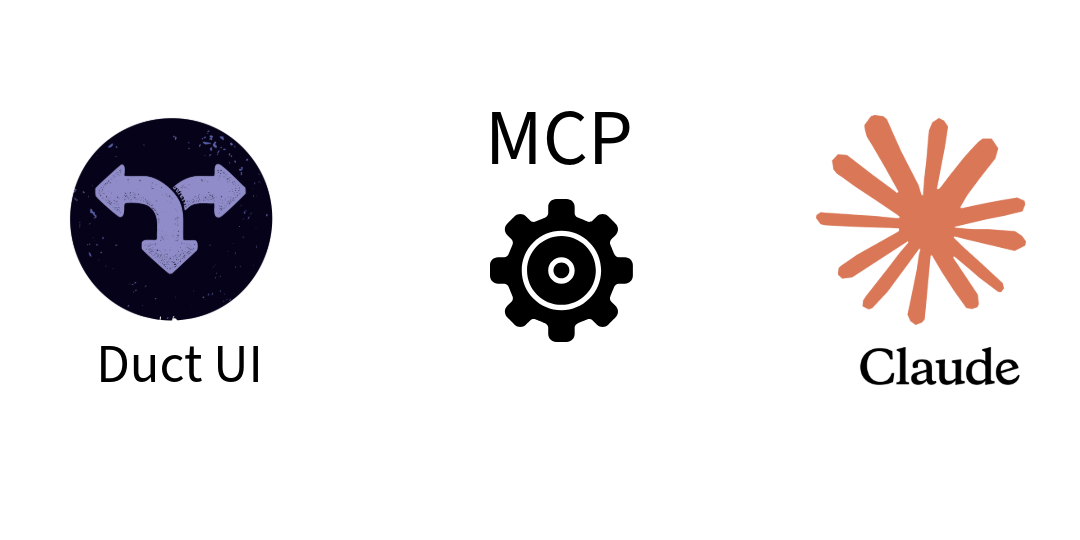
Duct UI now includes a Model Context Protocol (MCP) server. This lets AI assistants like Claude Code directly access the framework’s source code, components, and documentation.
What It Does 🔗
The MCP server provides three tools:
- list-components - Shows all available components with demo links
- create-component-project - Generates component library projects
- create-static-website - Generates static website projects with blog functionality
When connected, AI assistants can read the Duct UI source code directly instead of requiring manual file copying.
Setup 🔗
Clone and build the Duct UI repository:
git clone git@github.com:navilan/duct-ui.git
cd duct-ui
pnpm build
Add the MCP server to Claude Code:
claude mcp add duct-ui -- node packages/mcp-server/dist/index.js
Usage 🔗
Ask Claude to understand the framework:
"Read through the Duct UI framework resources and understand how it works"
List available components:
"List all Duct UI components with demo links"
Create projects:
"Create a component library called 'my-components' in './lib'"
"Create a static website called 'My Blog' in './website'"
Why Clone the Repository 🔗
The MCP server needs local access to the Duct UI source files. This approach has several advantages:
Direct Source Access: The server reads actual source code, not documentation. AI assistants learn from real component implementations, TypeScript interfaces, and working examples.
Always Current: The server uses whatever version you have locally. No outdated examples or stale documentation.
Complete Context: AI assistants get access to everything - core files, all components, demos, build configurations, and documentation in one go.
Pattern Learning: By reading multiple component implementations, AI assistants understand the patterns and conventions used throughout the framework.
This means when you ask Claude to create a component, it references actual working code from the repository rather than trying to remember patterns from previous conversations.
Generated Projects 🔗
Component library projects include:
- TypeScript configuration
- Example MyButton component
- Build scripts
- Proper dependencies
Static website projects include:
- Blog system with markdown support
- Responsive design with Tailwind CSS
- Theme switching
- All necessary layouts and components
Both project types use current Duct UI versions and follow established patterns.
Integration 🔗
The server works with Claude Code by default. For other MCP-compatible tools, configure them to run:
node packages/mcp-server/dist/index.js
Set DUCT_UI_SOURCE_PATH environment variable if the server runs from a different location than the repository root.
The MCP server is in the packages/mcp-server/ directory with full documentation.